Main product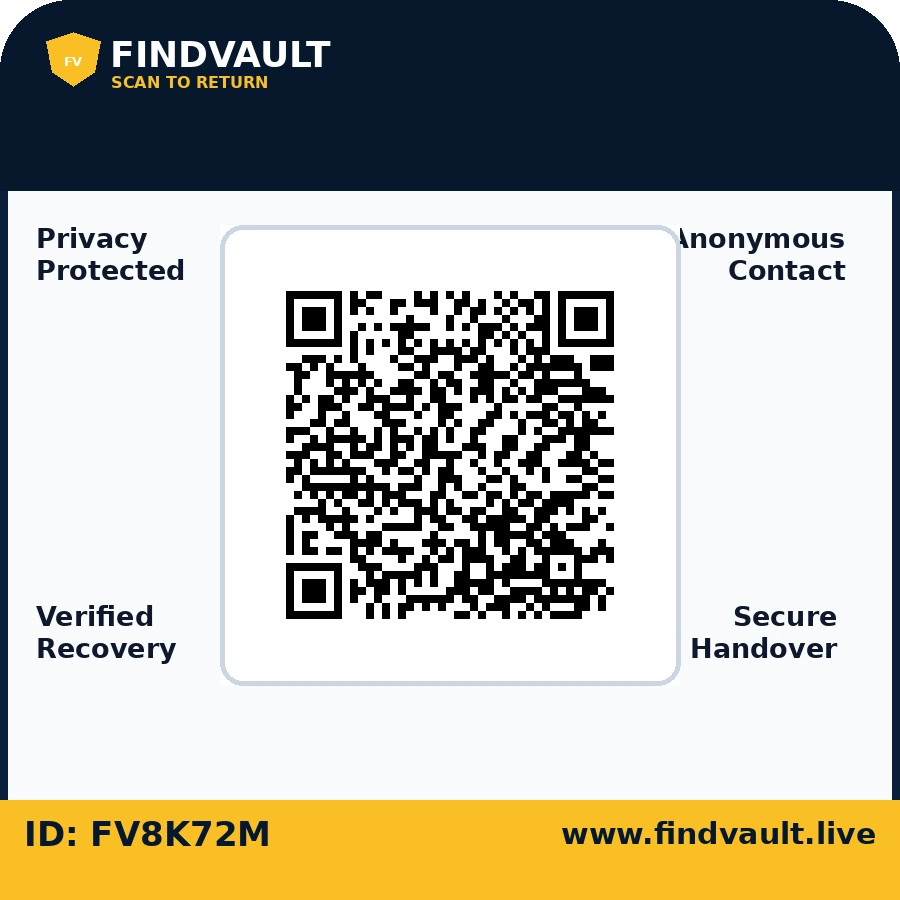
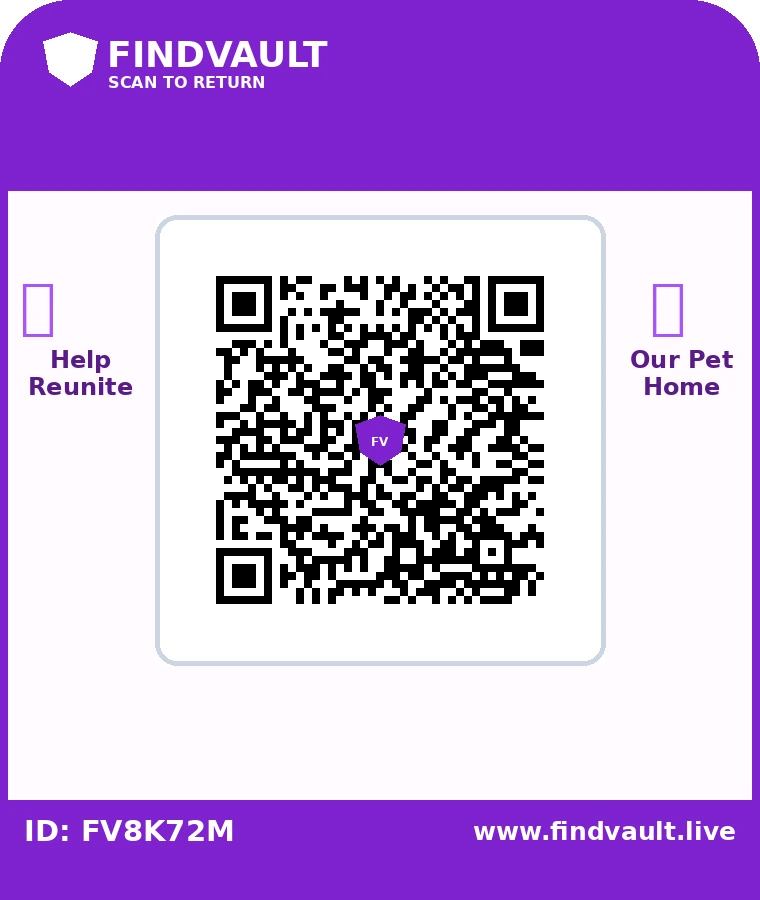
Universal TrustShield Sticker
For laptops, bags, bottles, helmets, books and everyday belongings.
45 × 45 mm · QR 32 mm₹79 starting
OrderNo coupon code is required. The best eligible offer is applied in your cart.
Report a lost item, publish something you found, or protect belongings with a FindVault QR/NFC tag. The public feed shows only safe details, while FindVault Plus private messages and verified handover keep recovery organized.
Call and WhatsApp recovery remain available with the owner’s permission. Upgrade to FindVault Plus for a private inbox, recovery timeline, longer history and priority support.
Choose a size and material made for the surface—not one oversized sticker forced onto every item.
Every physical unit gets a unique QR and secure random Tag ID. Activation is instant and code-free, while customer data stays dynamic on the secure scan page.
For laptops, bags, bottles, helmets, books and everyday belongings.
45 × 45 mm · QR 32 mm
Private parking contact, lost mode and recovery report for car or bike.
75 × 50 mm · QR 38 mm
Reusable tag for keys, luggage loops, backpacks and daily carry.
55 × 35 mm · QR 28 mm
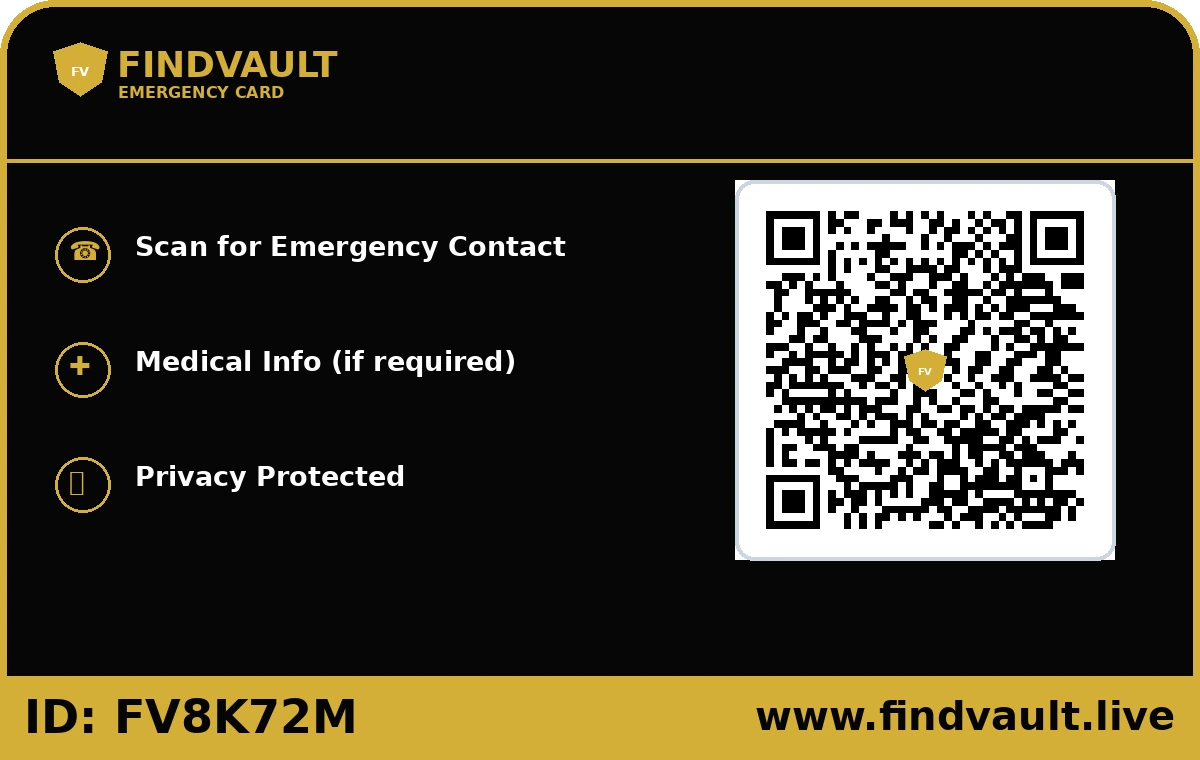
Guardian-approved profile for children, senior citizens, yatra and events.
45 × 30 mm · QR 24 mmThe printed QR remains the same. You can update allowed contact details, item status and recovery instructions later.
Select the correct physical size, material and style for your item. Every unit is generated with a unique FindVault identity.
Scan the activation link, add item details and choose Private Recovery, Direct Contact, Family Safety or Emergency mode.
If the item goes missing, enable Lost Mode and post it on the Lost & Found board. A finder can scan and begin a safe recovery.
Basic activation stays useful without a subscription. Plus is designed for families, frequent travellers and teams managing several tags.
One-time annual payment with manual renewal. No automatic debit mandate is created.
No. A normal phone camera opens the browser-based FindVault recovery page.
Only when you choose a direct-contact mode. Private Recovery can keep your number hidden and use a secure report/chat flow.
Approximate region may be logged from network information. Exact GPS is requested separately and works only when the finder gives permission.
Enable Lost Mode, add a public Lost & Found post and keep the QR active. A scanner can see the lost alert and submit a recovery report.
Yes. The QR points to a dynamic FindVault profile, so allowed details and recovery instructions can be updated without printing a new QR.
No QR service can guarantee recovery. FindVault gives a finder a fast, privacy-safe and verifiable way to return an item.
Start with the 45 × 45 mm Universal TrustShield tag, or choose a product-specific design for vehicles, pets, luggage, emergency cards and family safety.
Choose up to 10 photos, place the cover photo safely in the QR centre and let every scan open a beautiful mobile memory page. The gallery stays unlisted and is visible only to people who have the QR or link.