Main product
Universal TrustShield Sticker
For laptops, bags, bottles, helmets, books and everyday belongings.
45 × 45 mm · QR 32 mm₹79 starting
OrderAttach a unique FindVault QR/NFC tag to your belongings. A finder can scan it, see only the details you approve, contact you privately and complete a verified handover—without installing an app.
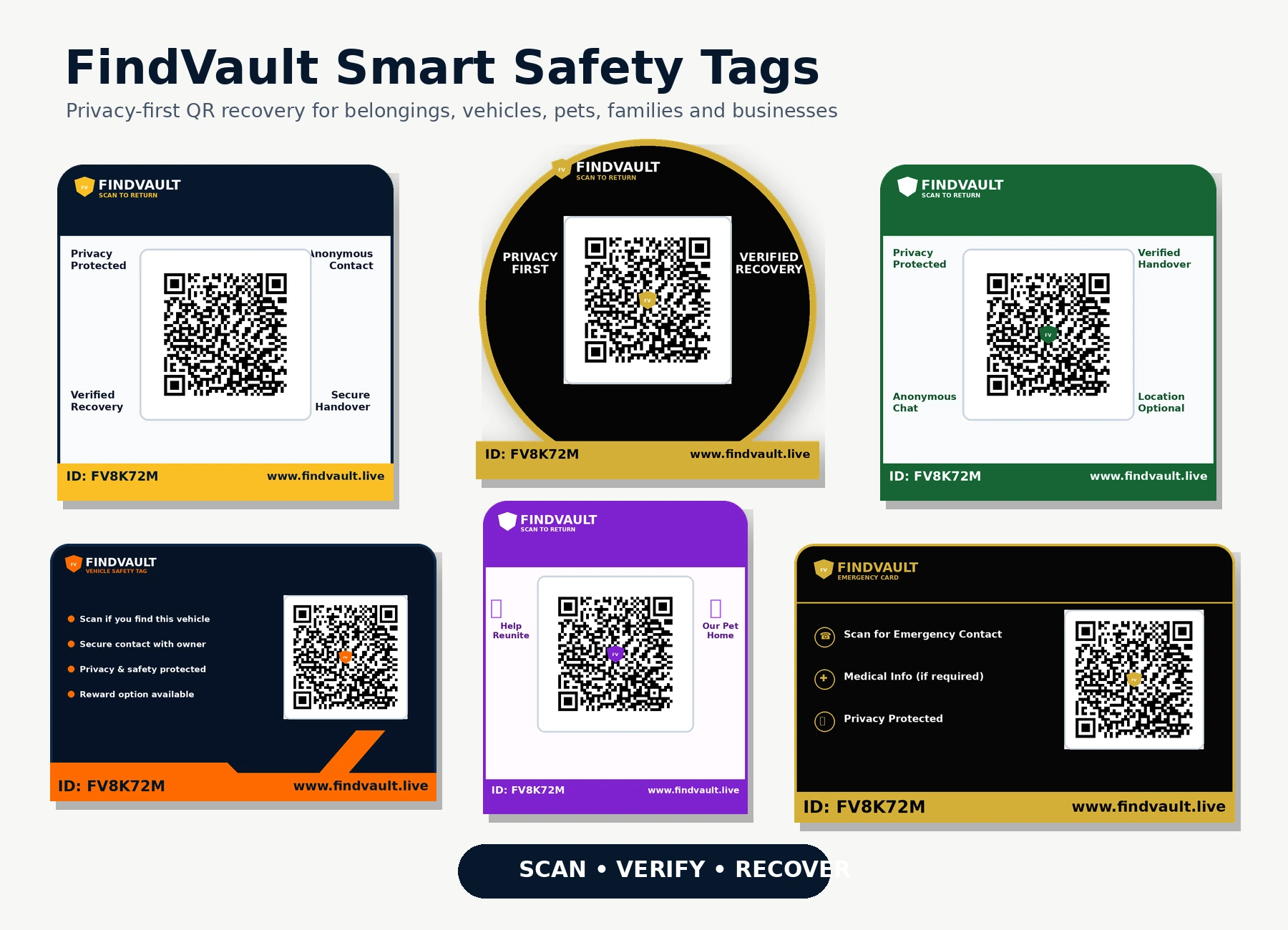
Choose a size and material made for the surface—not one oversized sticker forced onto every item.
Every physical unit gets a unique QR, Tag ID and activation code. Customer data stays dynamic on the secure scan page.
For laptops, bags, bottles, helmets, books and everyday belongings.
45 × 45 mm · QR 32 mm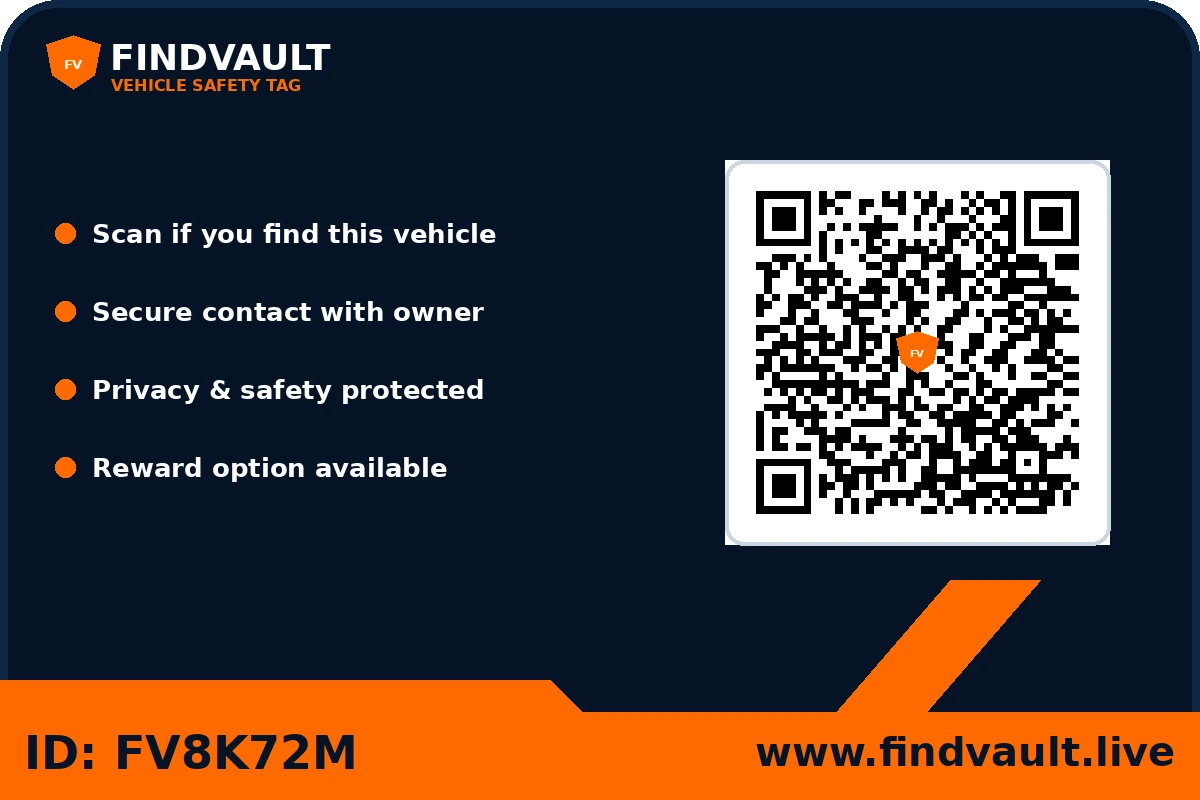
Private parking contact, lost mode and recovery report for car or bike.
75 × 50 mm · QR 38 mm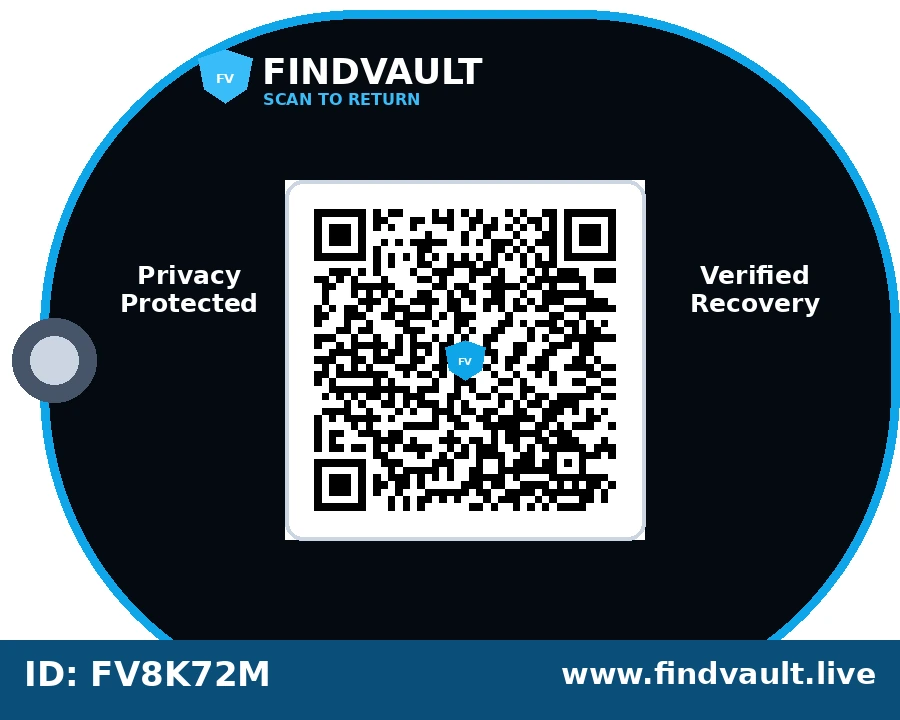
Reusable tag for keys, luggage loops, backpacks and daily carry.
55 × 35 mm · QR 28 mm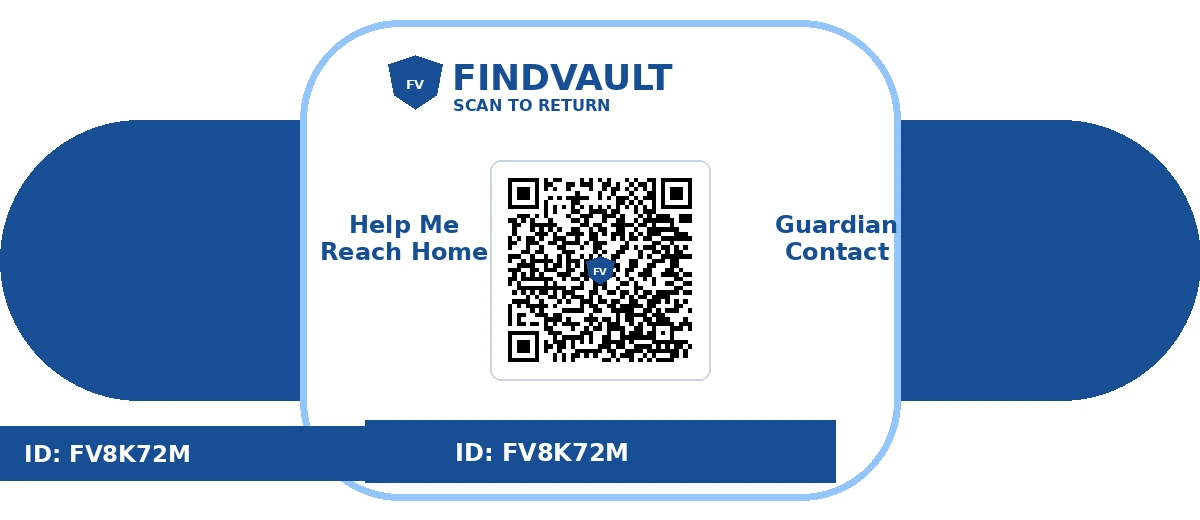
Guardian-approved profile for children, senior citizens, yatra and events.
45 × 30 mm · QR 24 mmThe printed QR remains the same. You can update allowed contact details, item status and recovery instructions later.
Select the correct physical size, material and style for your item. Every unit is generated with a unique FindVault identity.
Scan the activation link, add item details and choose Private Recovery, Direct Contact, Family Safety or Emergency mode.
If the item goes missing, enable Lost Mode and post it on the Lost & Found board. A finder can scan and begin a safe recovery.
Ordinary QR labels usually open a fixed message or expose a phone number. FindVault connects item identity, privacy choices, scan intelligence, Lost Mode, private reporting and verified handover in one workflow.
Explore the Trust CenterNo exaggerated guarantee: FindVault is not a live GPS tracker. It improves the chance of safe return through a better recovery workflow.
| Capability | Basic QR label | FindVault TrustShield |
|---|---|---|
| Change details without reprinting | Often not available | ✓ Owner dashboard |
| Hide phone number | Often exposed | ✓ Private Recovery mode |
| Lost Mode and reward message | Static page | ✓ Dynamic status |
| Scan history and approximate region | Usually unavailable | ✓ Server-verified logs |
| Community Lost & Found post | No | ✓ Moderated board |
| Verified physical handover | No | ✓ Finder OTP + receipt |
Private parking contact, breakdown assistance, lost/stolen status and secure reporting.
Protect school bags, bottles, luggage, laptops and travel documents.
Pet identity, guardian-approved contact and safe reunion instructions.
Child, senior citizen, mela, yatra and school-trip safety profiles.
Batch tags for books, devices, laboratory items, room assets and uniforms.
Asset registry, department labels, bulk activation and recovery audit trail.
The finder sees the item's public status, safe contact options and recovery instructions. Exact location is optional. Private information stays behind the owner's protection settings.
Owner has enabled anonymous recovery and reward information.
Approved recovery experiences are loaded from the FindVault database after moderation.
Basic activation stays useful without a subscription. Plus is designed for families, frequent travellers and teams managing several tags.
Annual access is being opened in controlled batches. No recurring charge is taken until billing is explicitly activated.
QR works on nearly every camera phone. NFC adds a fast tap experience on compatible devices; neither requires a battery inside the tag.
Universal, visible and easy to explain. The finder scans with a normal camera.
A compatible phone can tap the tag without opening the camera first.
No charging schedule, Bluetooth pairing or battery replacement is required.
The owner and finder do not need to be within Bluetooth range; the recovery page works through the internet after a scan or tap.
FindVault does not display invented tags-sold counters, press logos, certifications or recovery rates. Verified public metrics can be enabled from the admin system when evidence exists.
FindVault Technologies is being built by founder Madhav Ojha with an India-first focus on privacy-safe recovery.
About FindVaultAccess, correction, deletion and grievance requests have a published support route.
Read the privacy policyServer-side payment verification, access-controlled data and no public contact by default.
Open Trust CenterRecovery stories and metrics are shown only after moderation or verified handover.
Submit a real storyNo. A normal phone camera opens the browser-based FindVault recovery page.
Only when you choose a direct-contact mode. Private Recovery can keep your number hidden and use a secure report/chat flow.
Approximate region may be logged from network information. Exact GPS is requested separately and works only when the finder gives permission.
Enable Lost Mode, add a public Lost & Found post and keep the QR active. A scanner can see the lost alert and submit a recovery report.
Yes. The QR points to a dynamic FindVault profile, so allowed details and recovery instructions can be updated without printing a new QR.
No QR service can guarantee recovery. FindVault gives a finder a fast, privacy-safe and verifiable way to return an item.
Start with the 45 × 45 mm Universal TrustShield tag, or choose a product-specific design for vehicles, pets, luggage, emergency cards and family safety.